Today-first planning
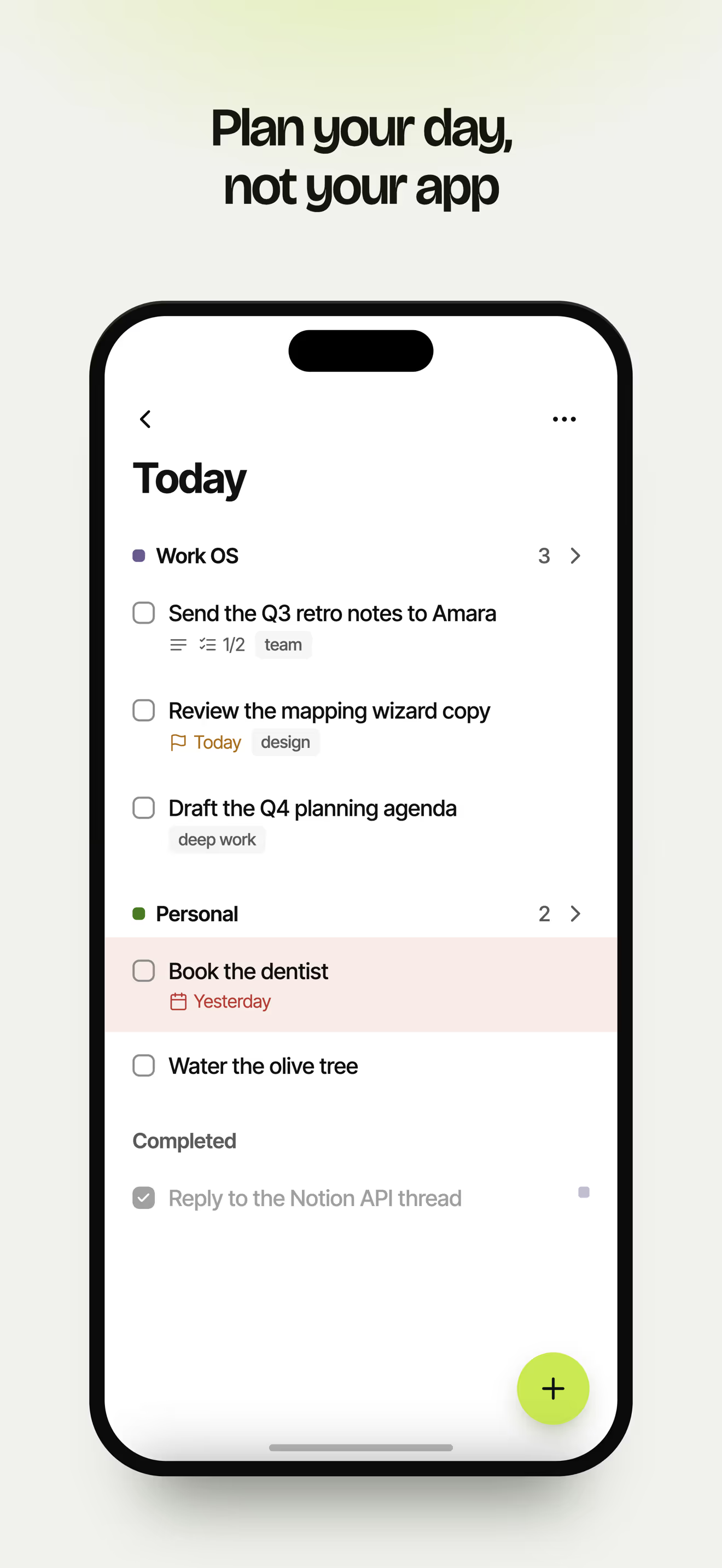
A calm Today list with nothing else on it. Dated tasks move there on their own; the rest wait in Upcoming, Anytime or Someday until you need them.
Built on your own Notion database
Otha is a calm, today-first planner on top of the Notion you already have. Add a task in seconds, even offline, see only what today needs, and end the day seeing what you did. Designed with neurodivergent minds in mind, and easier for everyone.
How it works
Sign in with Notion and pick the database you already keep your tasks in. Nothing is copied anywhere else.
A four-step wizard matches your title, status, dates, notes and tags. Missing a property? Otha can create it for you.
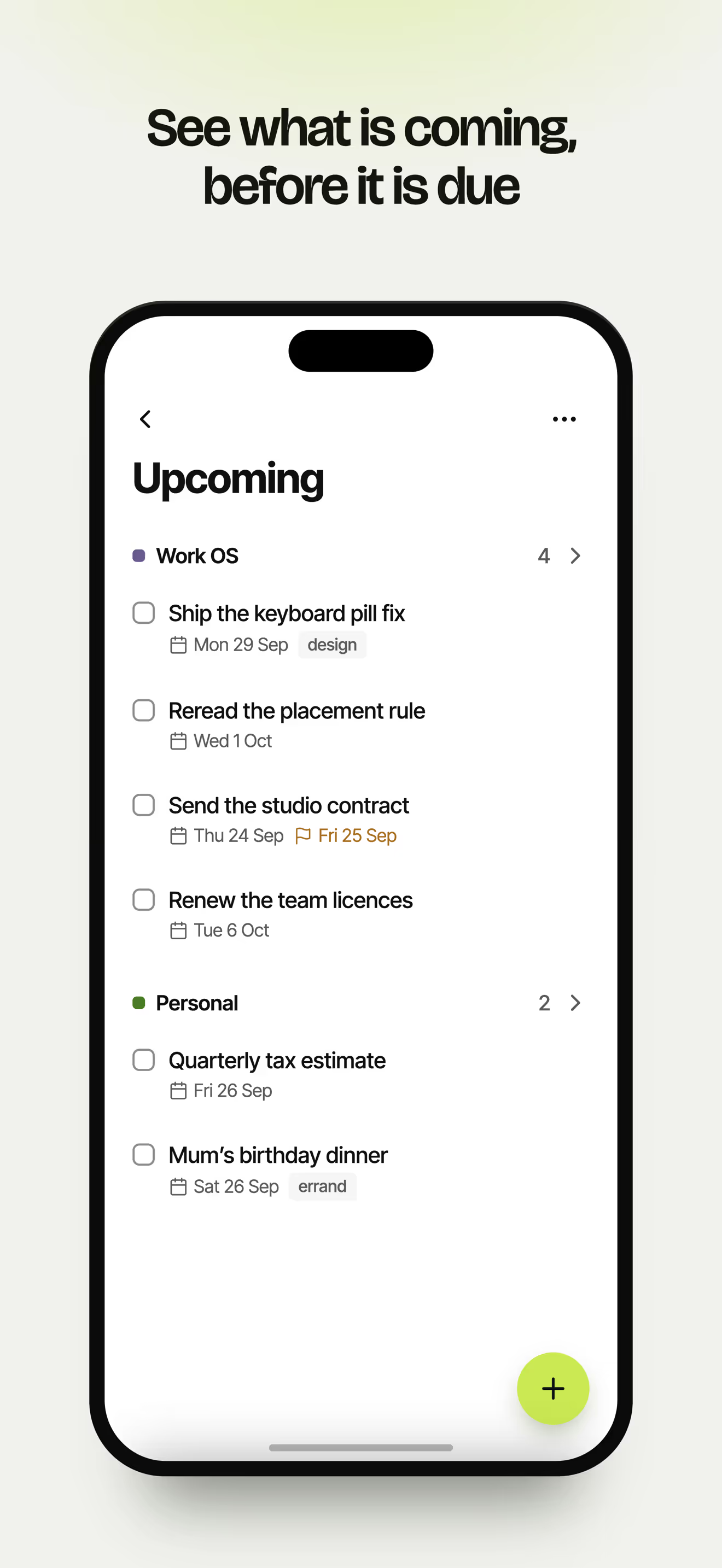
Today, Upcoming, Anytime, Someday, Logbook — a planner's worth of structure on top of the database you already own.
What you get
A calm Today list with nothing else on it. Dated tasks move there on their own; the rest wait in Upcoming, Anytime or Someday until you need them.
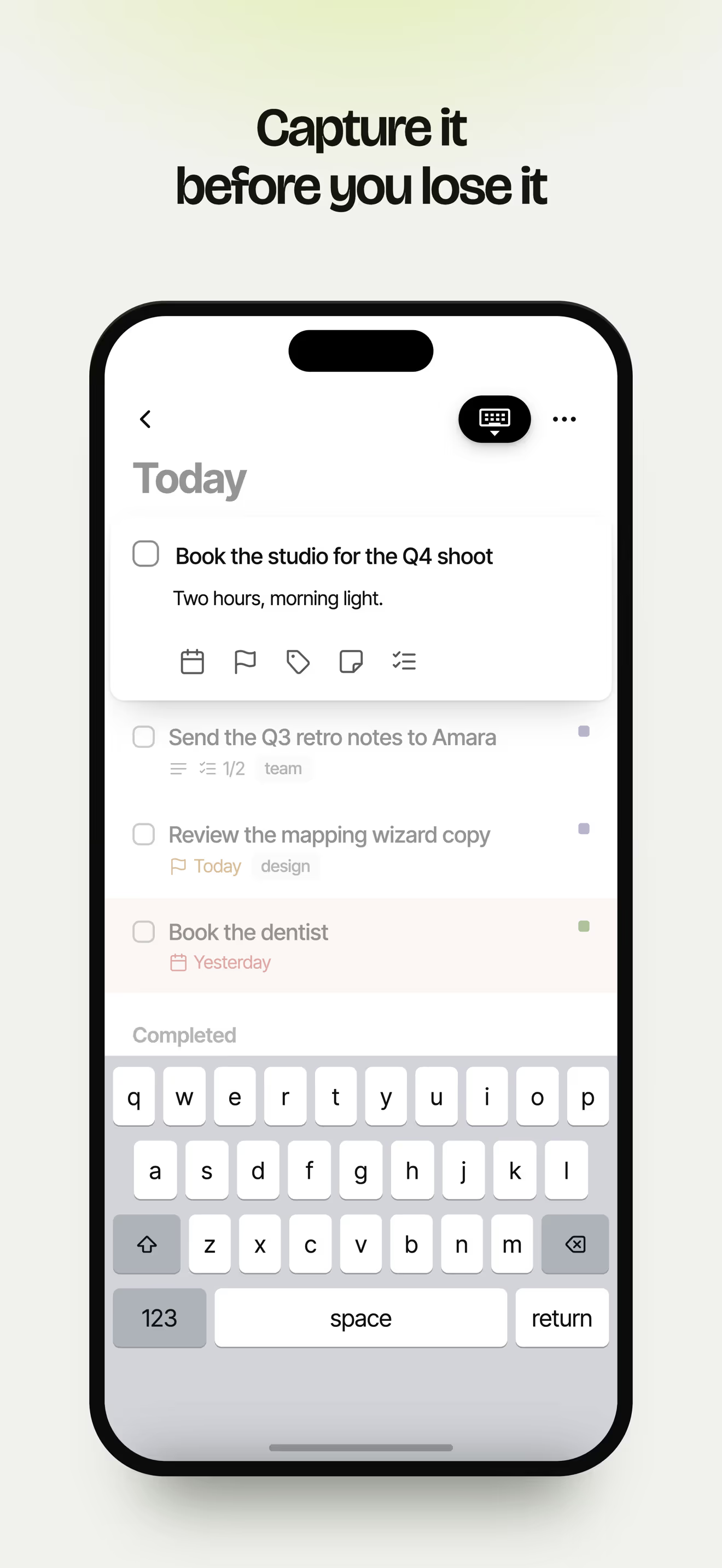
A title is all you need, and it saves instantly, even offline. Add a date, notes or tags later, when you have the headspace.
Select many at once to complete, date, tag, move, duplicate or delete. Checked tasks stay put until you log them, so you can see what you did today.
Edits flow both ways. Every change queues locally and replays the moment you are back online — nothing is lost in a tunnel.
Build your own filtered, sorted lists and publish them straight back to a Notion source.
Connect more than one Notion database and see them together, or focus on just one.
A look inside
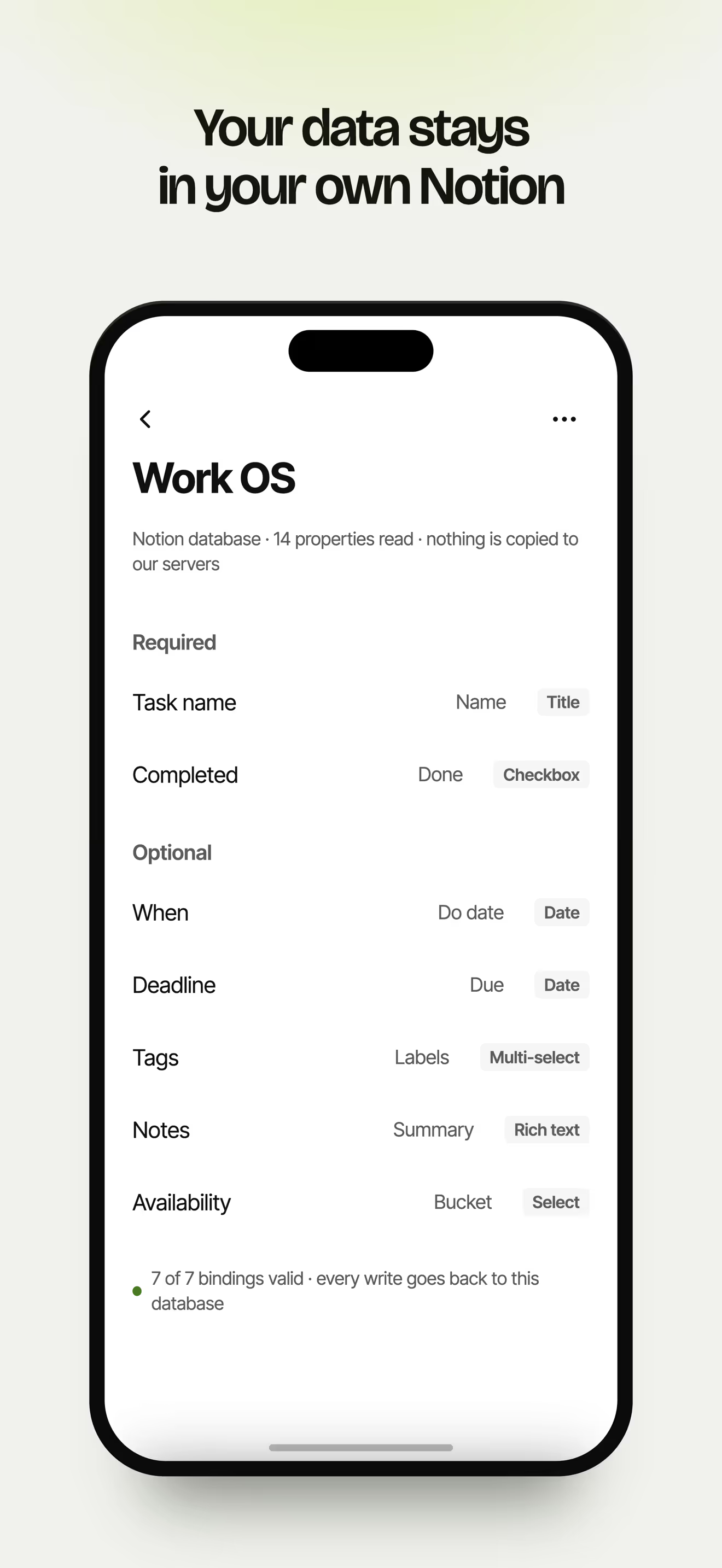
Your data
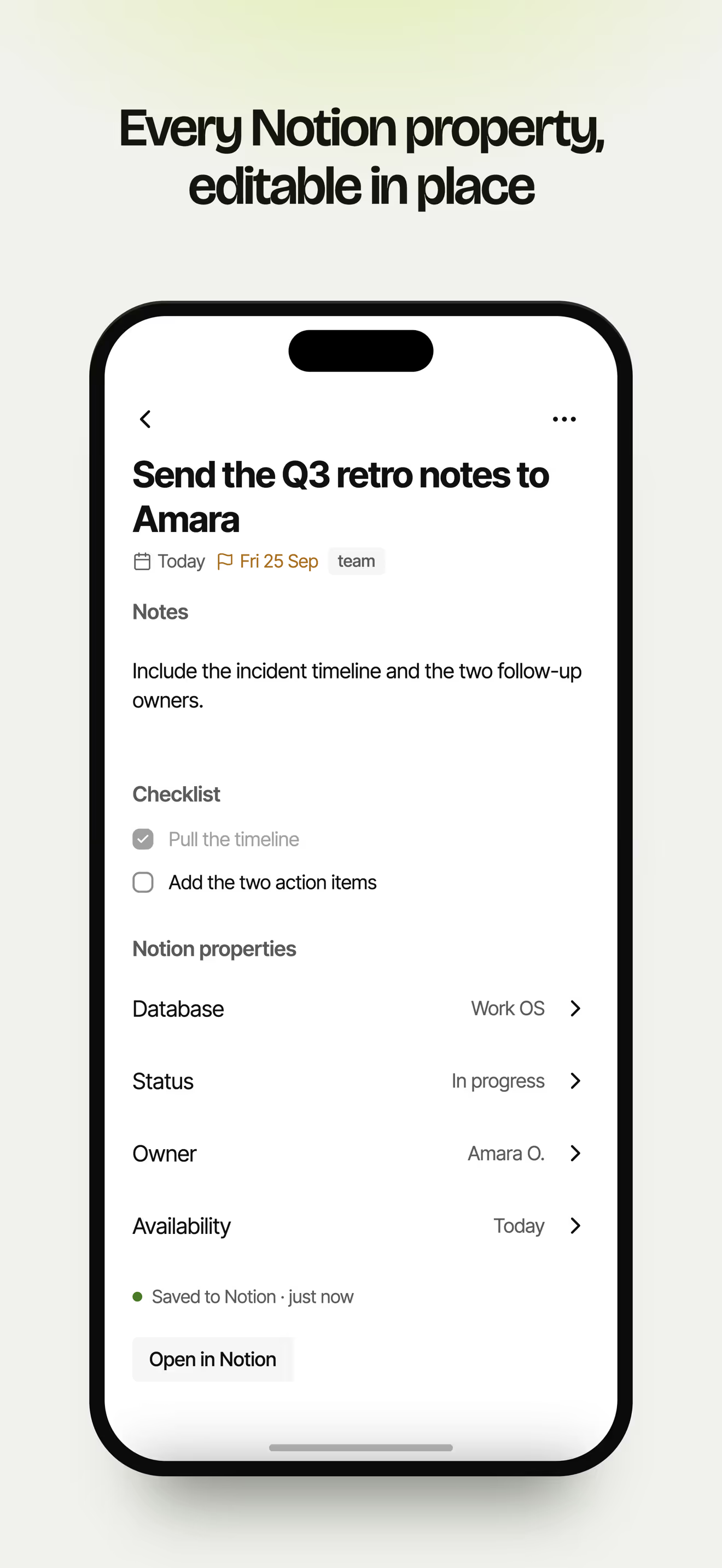
Most planners ask you to move in. Otha doesn't. It reads and writes the database you already keep — so your planner is one more view of the same source of truth, and leaving costs you nothing.
Questions
Still unsure? Read the support page — or reach us from inside the app.
It's designed with neurodivergent minds in mind, including ADHD: capture in seconds so a thought doesn't escape, a calm Today list so the rest can wait, and a record of what you did. It isn't a treatment, and you don't need a diagnosis. If you want a quieter, faster way to get things done, Otha is for you.
Yes. Otha is a planner for a Notion database you already keep — it has no separate account and no database of its own.
Nothing. You map the fields you want Otha to read and write. Anything you don't map is left untouched in Notion.
Yes. Everything is stored on the device first. Edits queue up and replay the moment you are back online.
Yes. Connect several Notion databases and plan across them together, or focus on one at a time.
Free with one connected source. A Pro upgrade unlocks extra sources, custom views and optional field mappings.
iPhone and Android. Your Notion workspace stays reachable everywhere else you already use it.
Free with one connected source. No new account, no second copy of your data.